
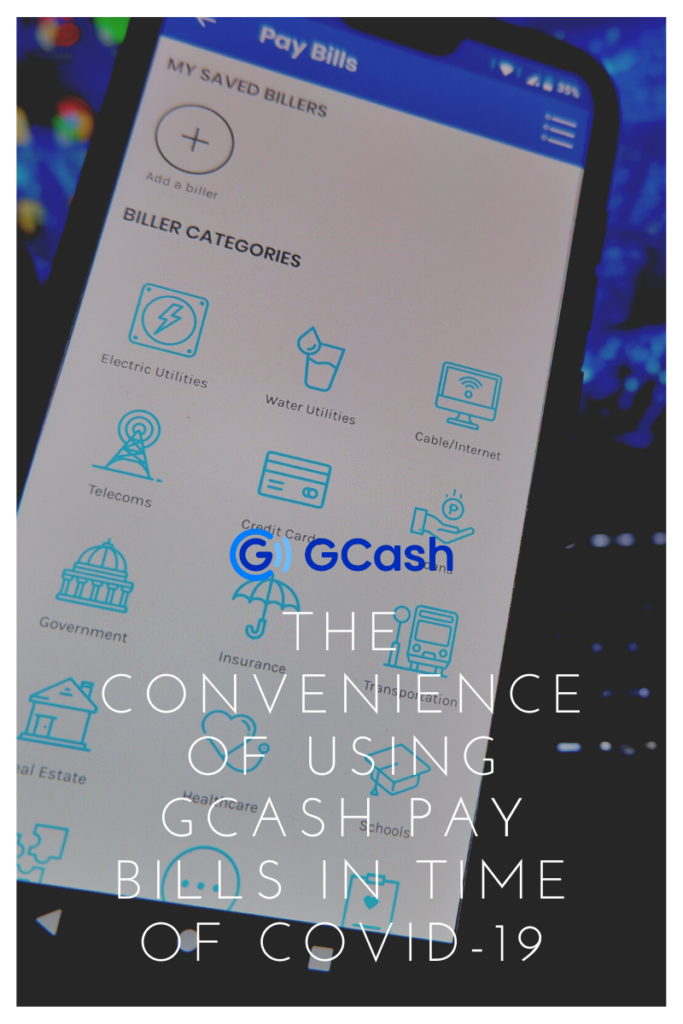

When Enhanced Community Quarantine started last March 17, a lot of people wondering how they can pay their utility bills. The social distancing policy has implemented and malls in Metro Manila were temporarily closed due to COVID-19. Most payment centers are closed while we’re on community quarantine.
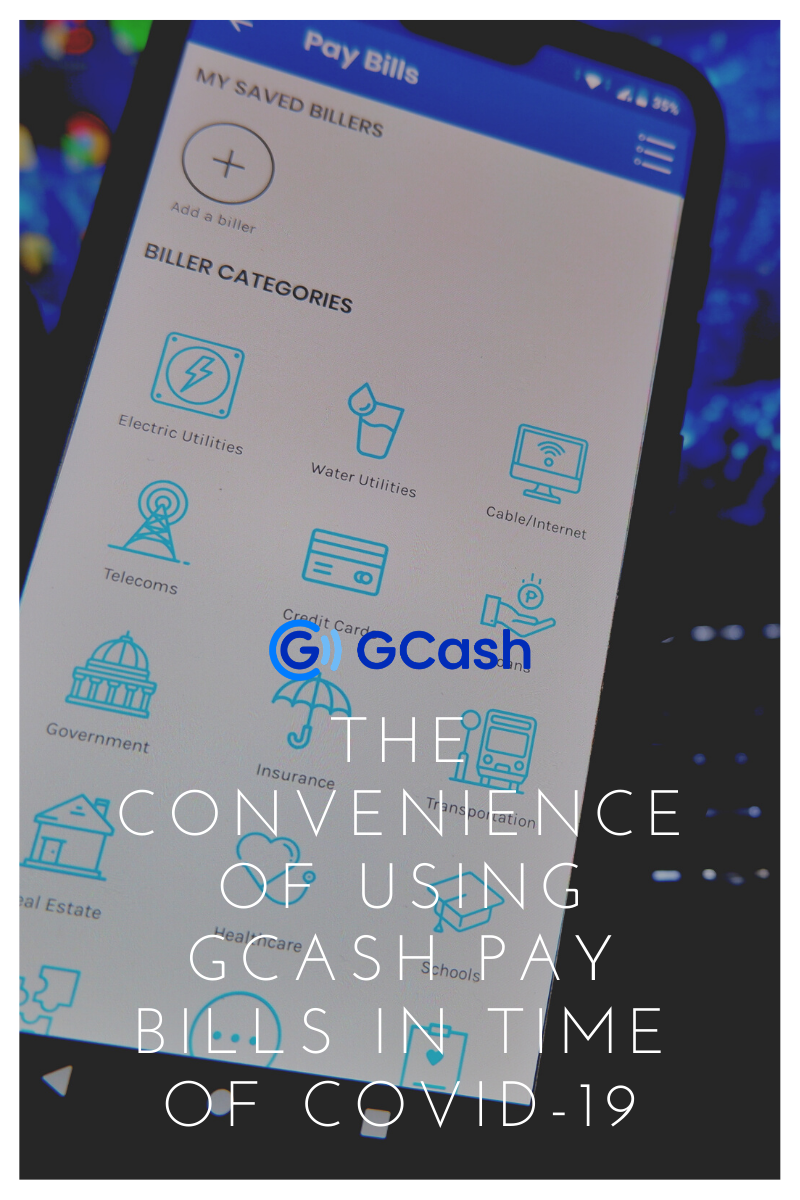
Been using GCash for the past 2 years. It became my essential app on my phone whenever I need to send money or pay my utility bills. GCash is a local app that you can install on your mobile devices. It allows you to send money, pay bills, purchase goods and services. You can even receive money in real-time!
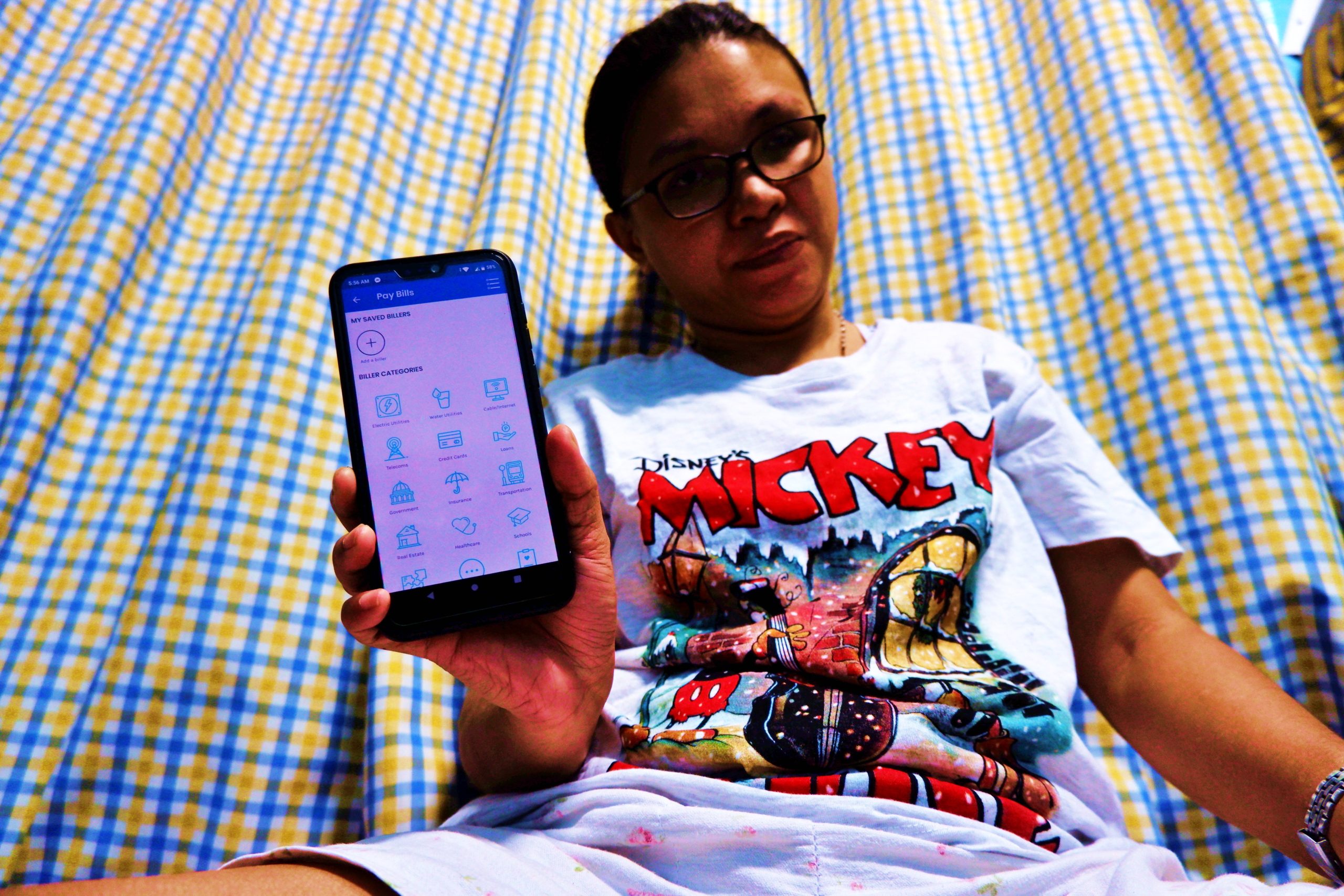
In times like this, you can rely on GCash. Instead of paying my PLDT, Maynilad or Meralco bills at a payment center, stuck in traffic and lining up in a long queue, you can do it while at home.
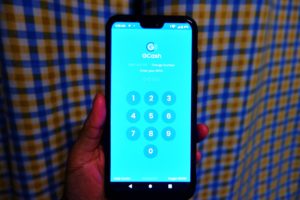
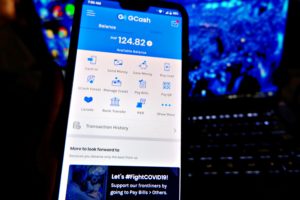
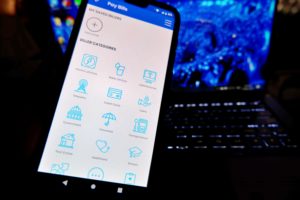
Here’s how to pay your utility bills using GCash Pay Bills:
- Open your GCash app. Tap Pay Bills to view the list of accredited billers.
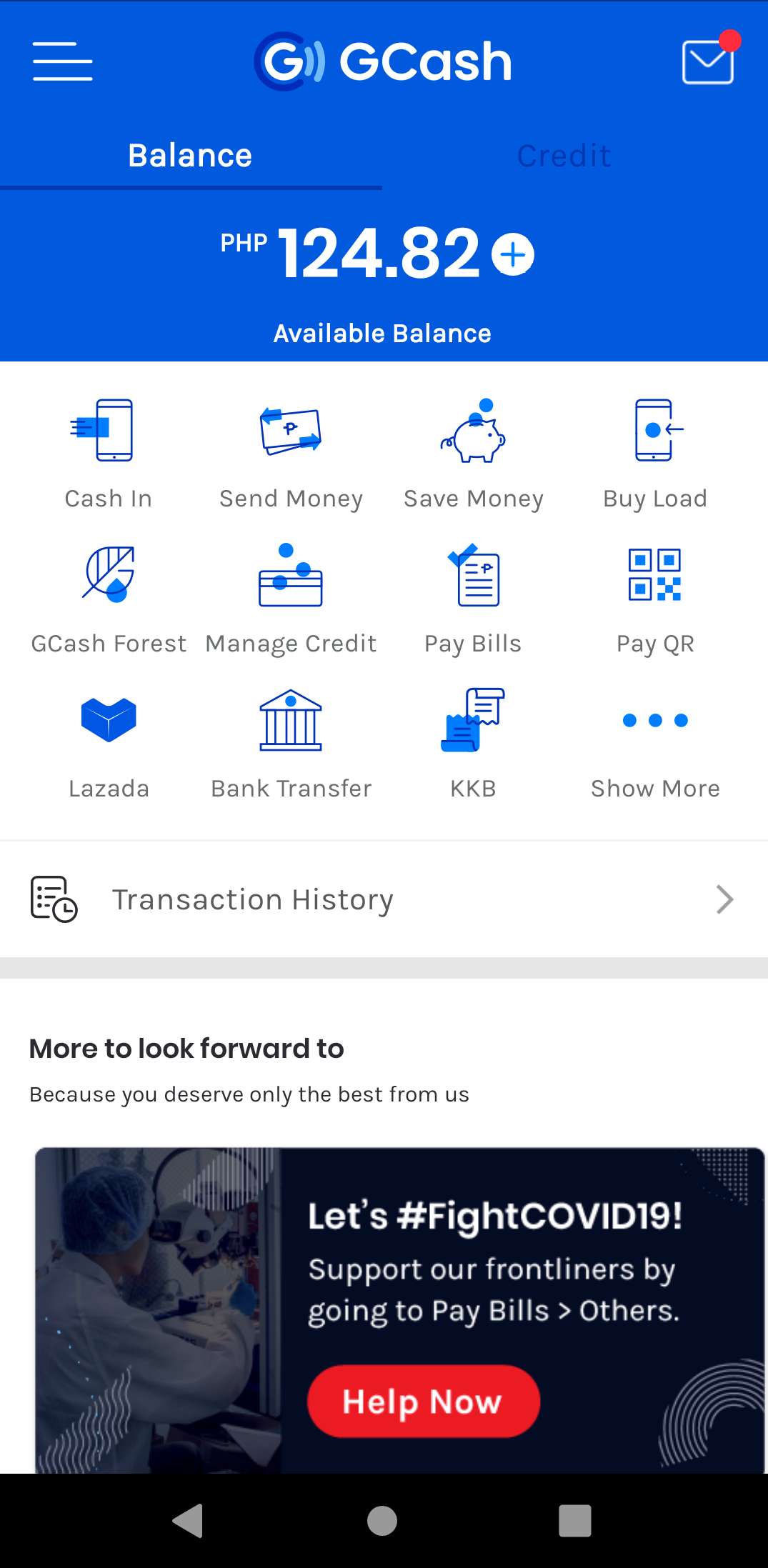
- If you’re planning to pay your electric, internet or water bills, select Biller Categories.
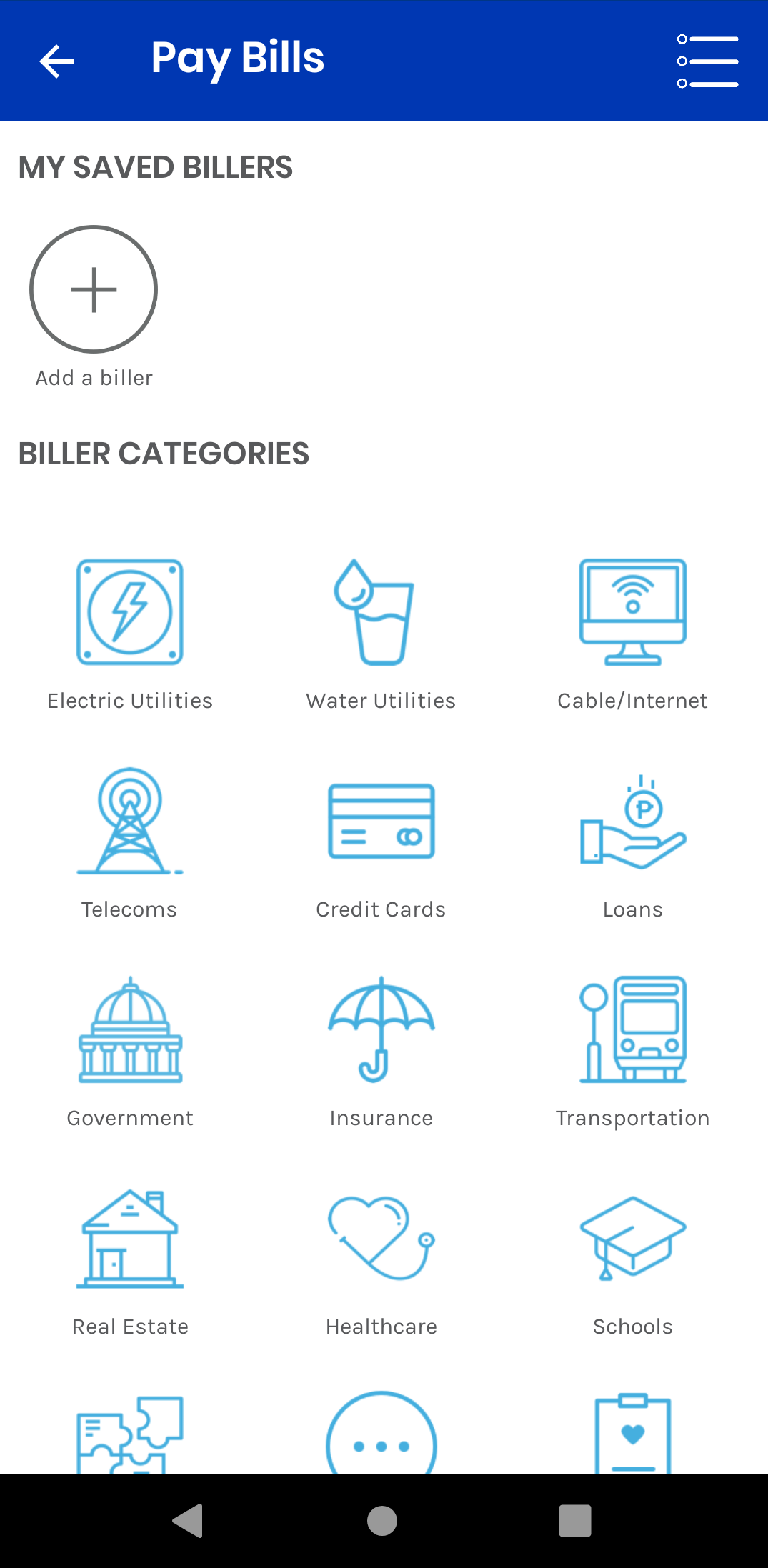
- For a hassle-free transaction, you can save your account details at My Saved Billers. Just fill-up the form and set a reminder on when are you planning to pay ahead of time on the Remind Me Every section (1st of the month, etc.).
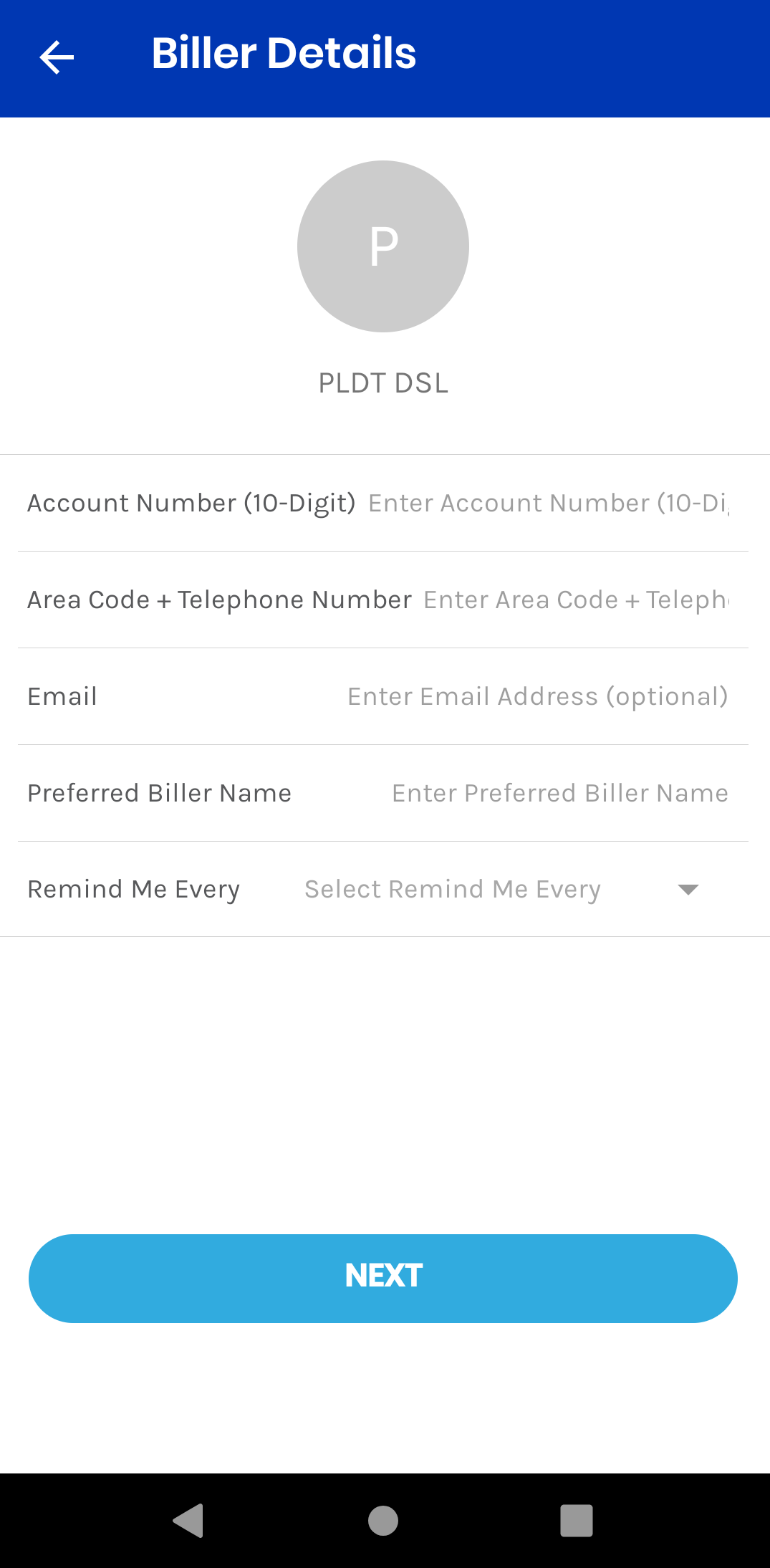
- If you’re paying for PLDT DSL, enter your 10-digit account number, phone number and the amount of your monthly bill.

- As easy as 1-2-3! A receipt will pop-up your screen and you’ll receive a text message that you paid it.

Download the GCash app now! You may download it via Google Play and Apple App Store.